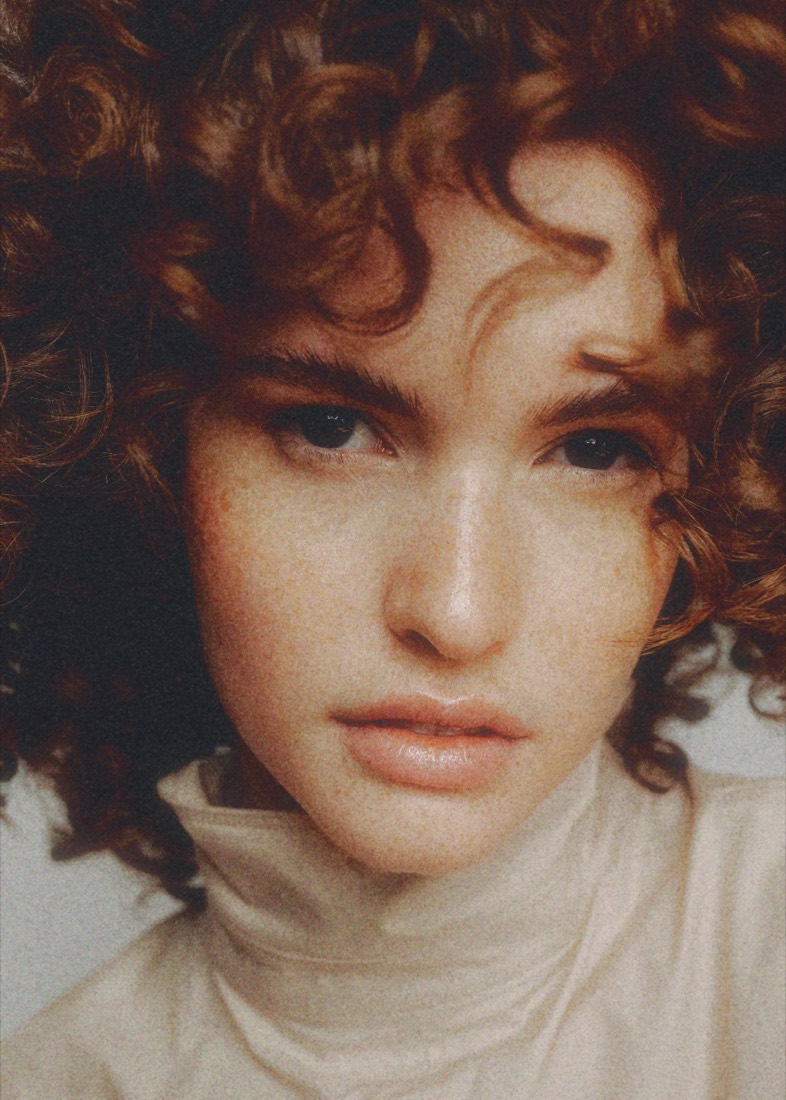
A digital minilab
No trial period. No locked stocks. No countdown. Everything is open from the first second, at full quality, for as long as you like. We only charge when you want to keep the file.
AI Some imagery on this site was generated or altered, in whole or in part, using generative artificial intelligence. AI transparency →
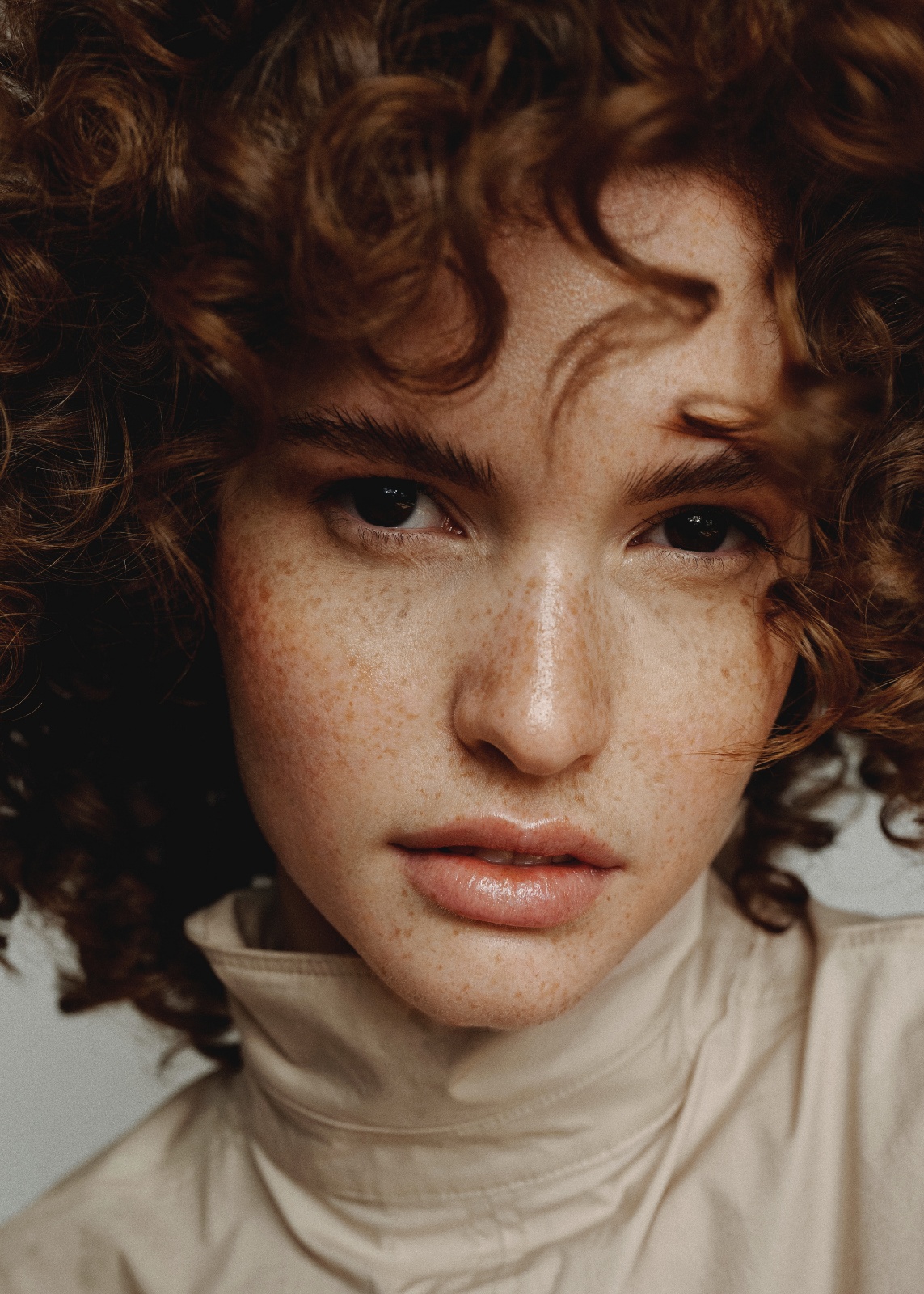
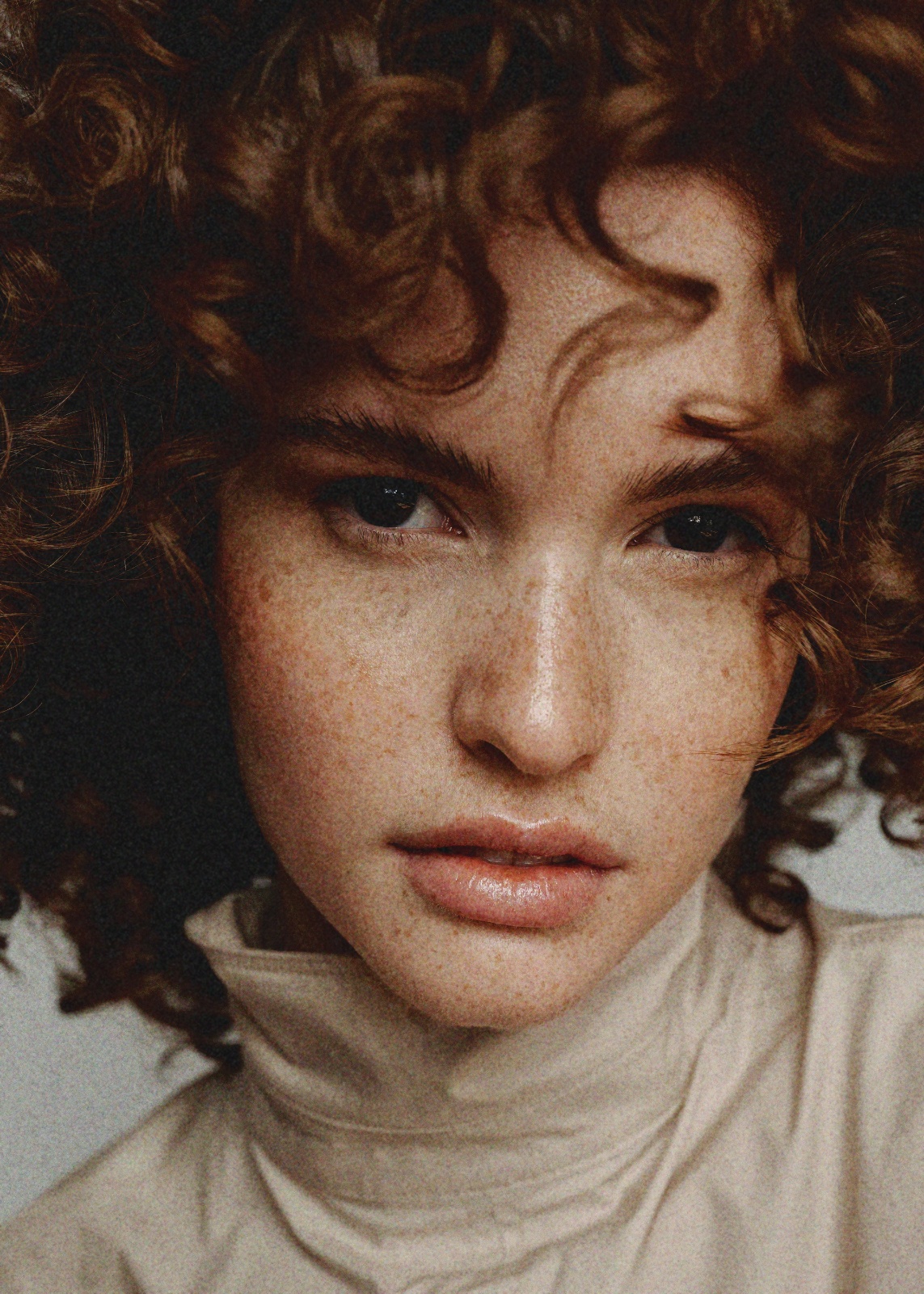
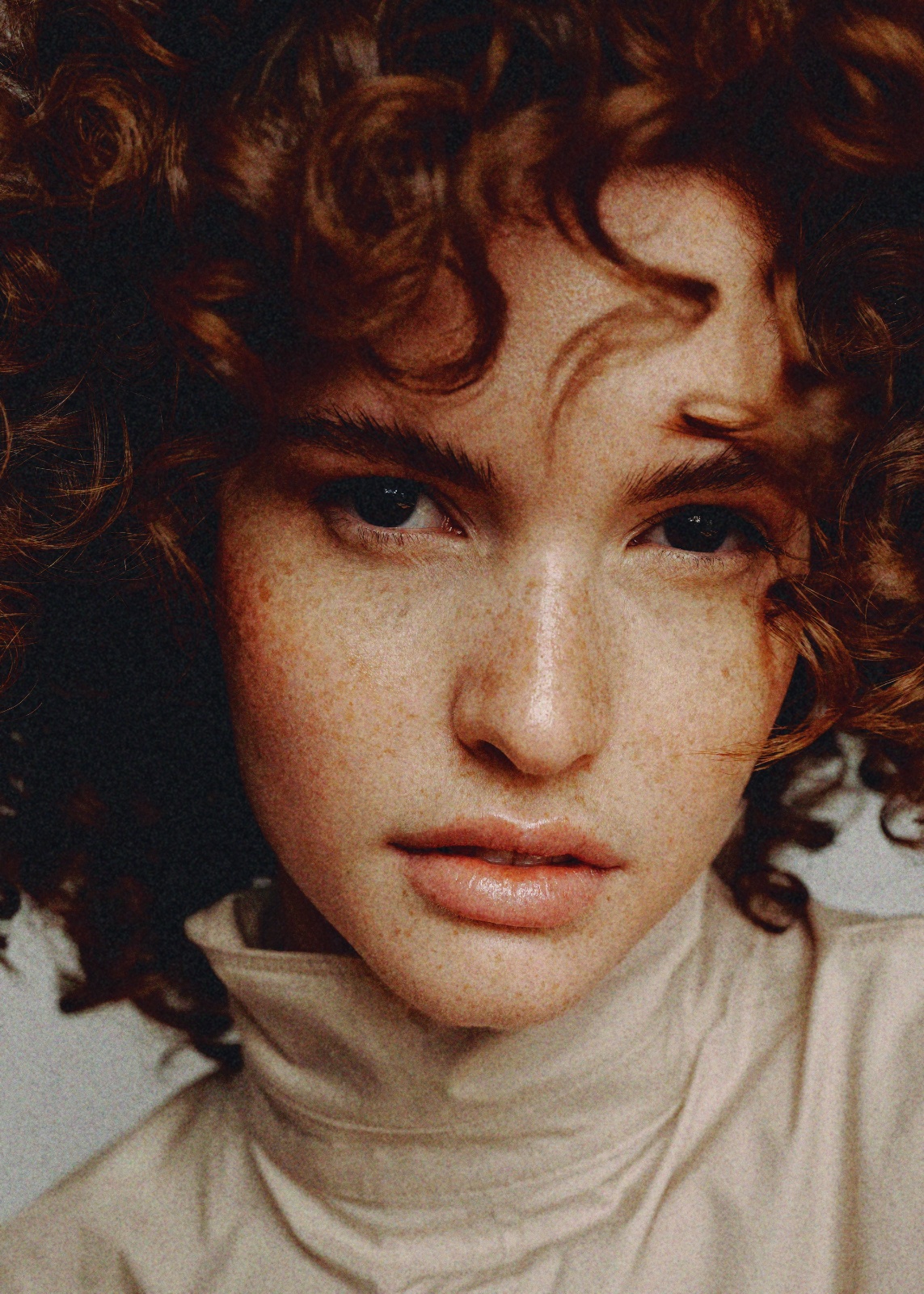
One photo, five stops
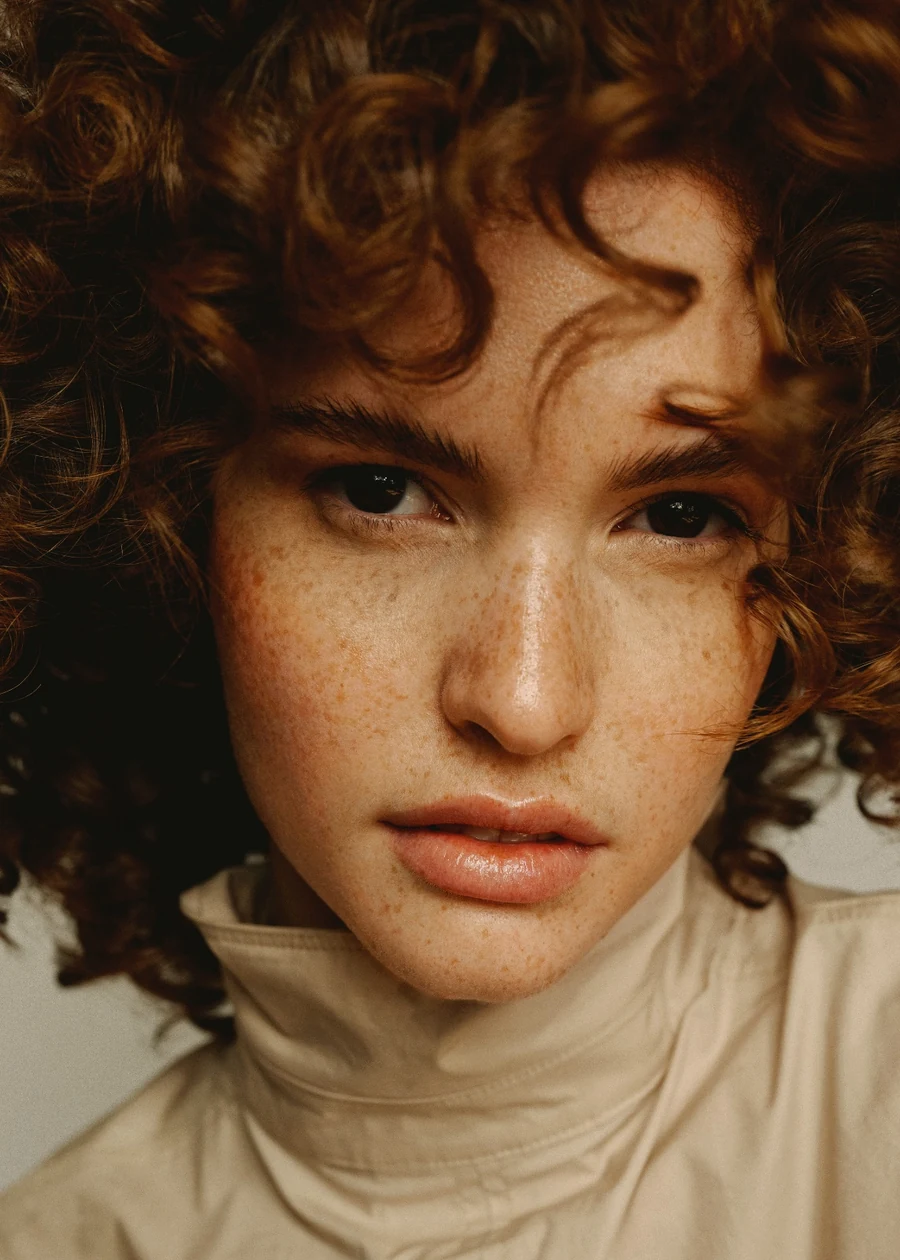
This is the same file all the way through - no reloading, no second picture. Drag the ring and watch what each stop puts in.
The process - five stops
The honest part
Want the analog look?
Shoot film. So do we.
But the client who needs it Tuesday doesn't care about your dev times, and half of what you shoot was born digital anyway. Until now that left you a grain slider and a colour preset - two links out of five - and everyone could tell. This gives you the lab: the format, the stock, the halation, the paper, the scanner, the sheet it all lands on.
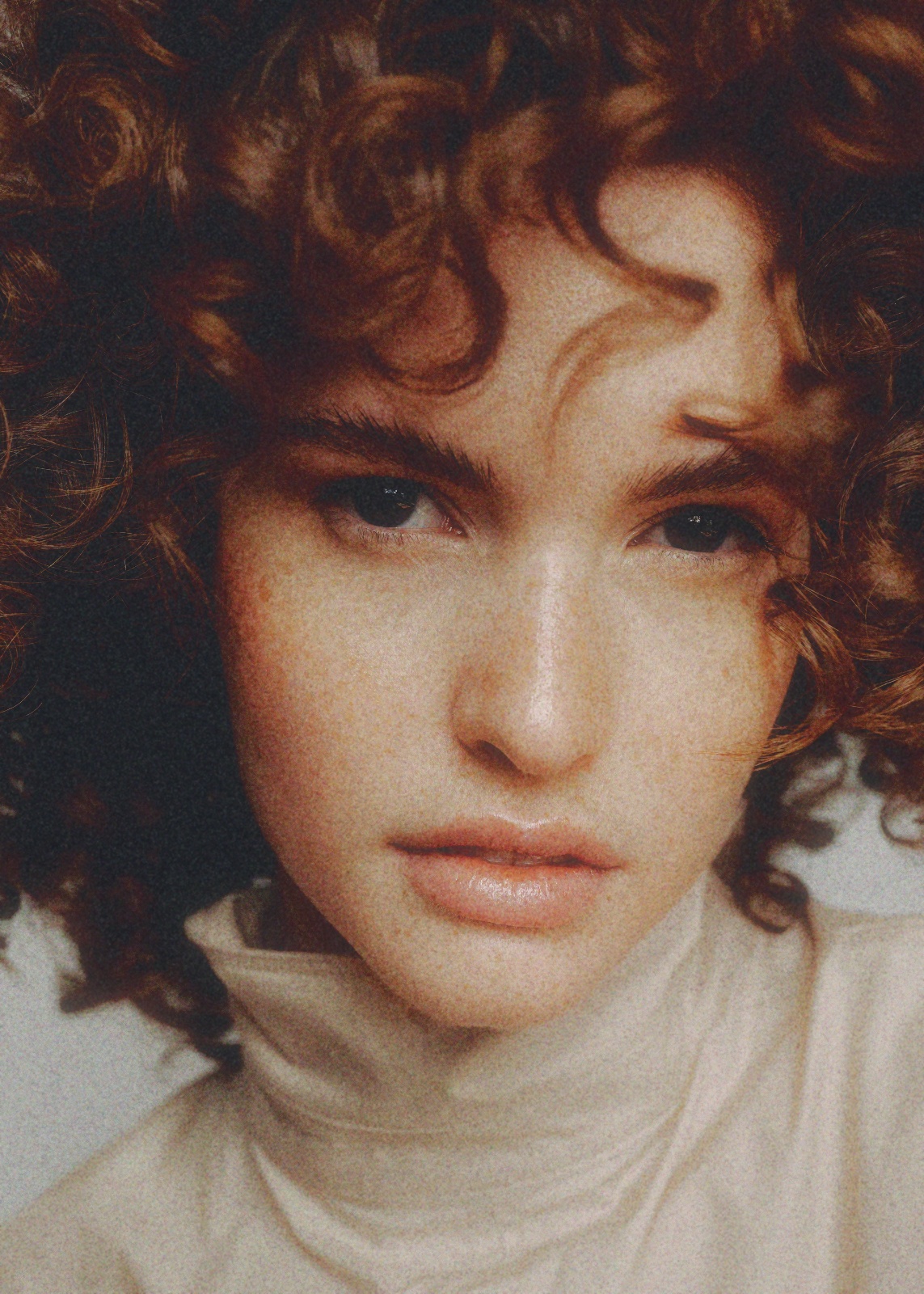
The whole chain, in one drag
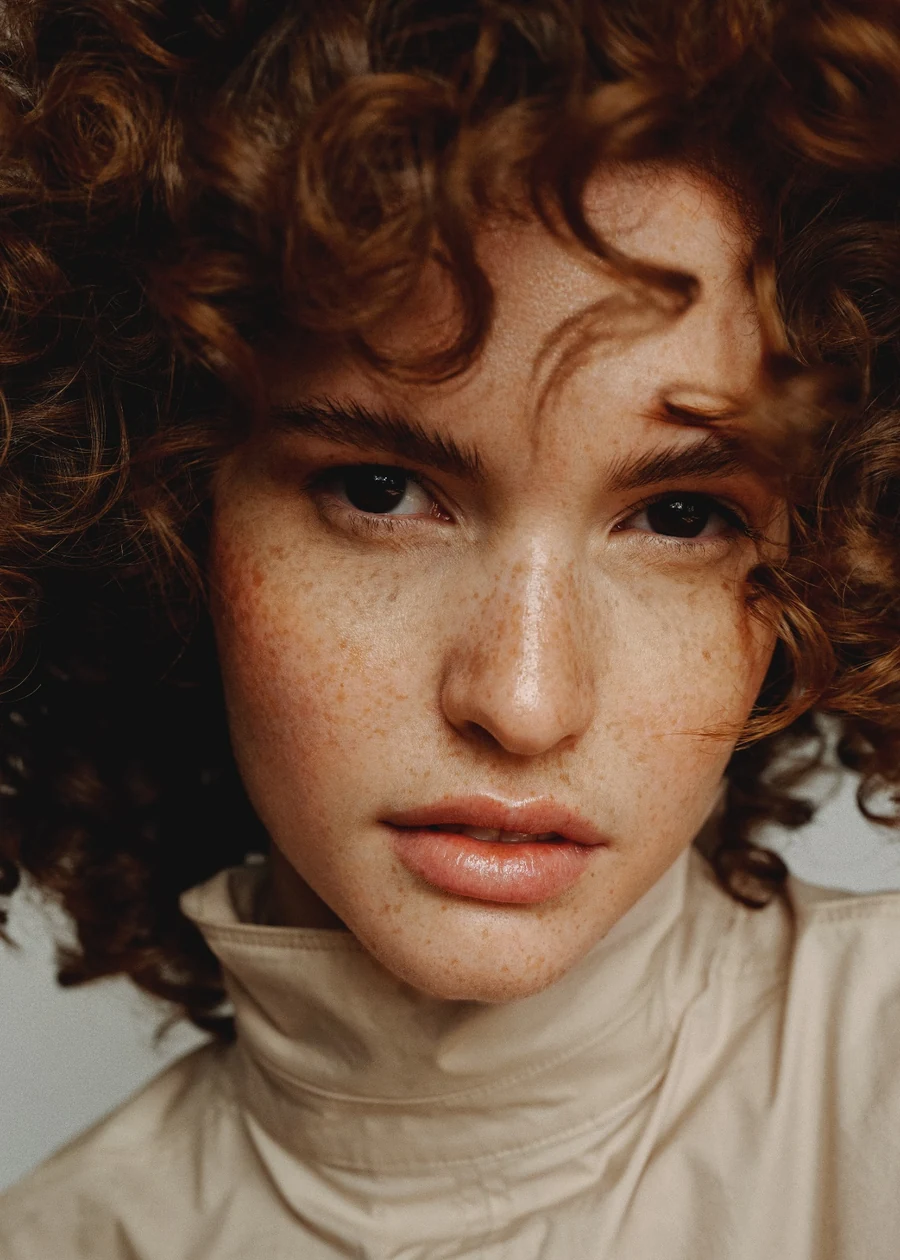
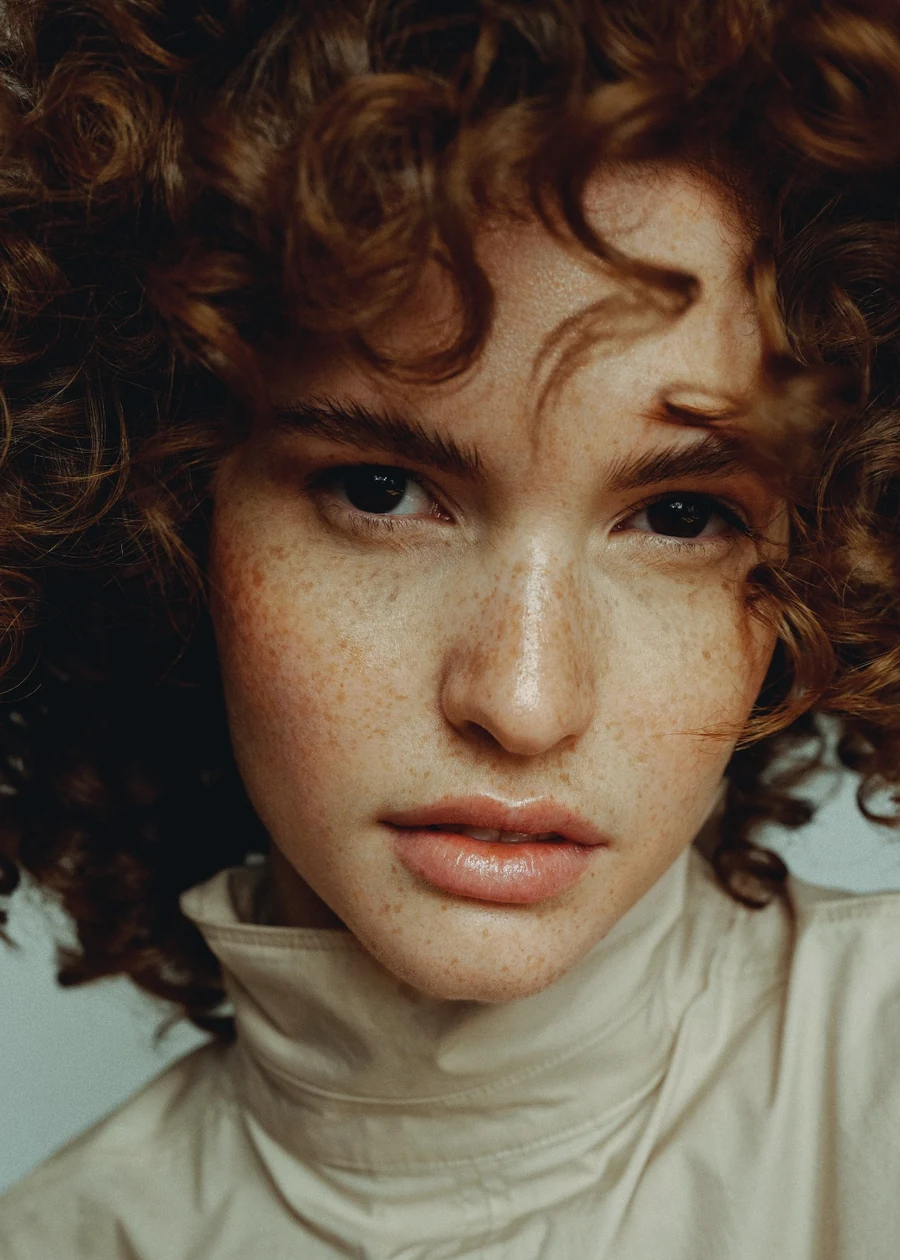
On the left, the frame straight out of the camera. On the right, the same file after the full chain - grain, stock, halation, paper, scanner. Nothing swapped, nothing masked. Drag across to see where digital ends and the lab begins.


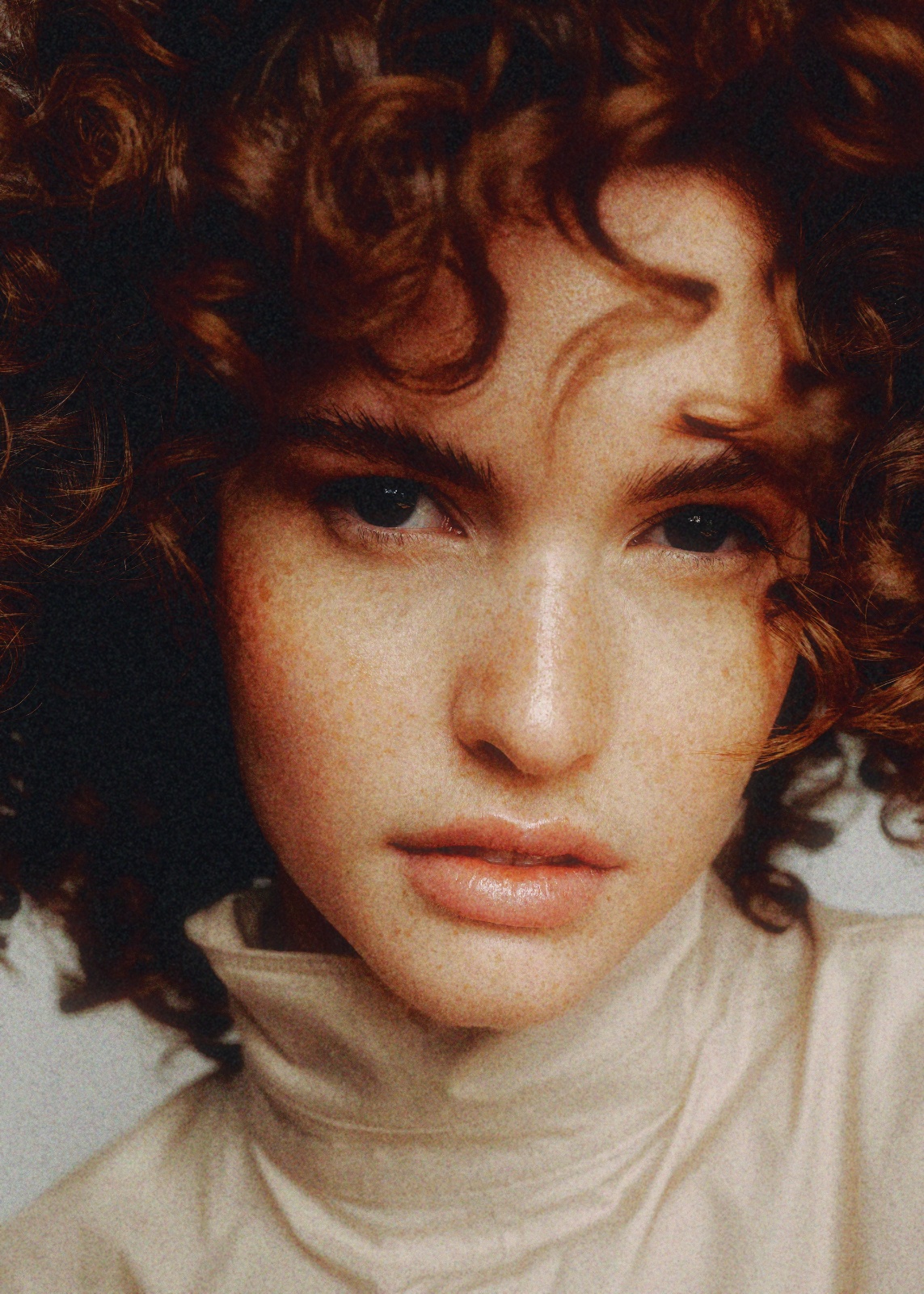
One frame, all the way through
It runs on its own - no buttons, no reading. 00 is your file before anything happens; the five stages under it build on each other - one file all the way through, each step adding to the last.
We shoot, we send film to the lab, we get it back. We know what a Portra frame looks like coming off a Frontier because there are boxes of them in the studio. Minilab started because the digital jobs kept needing that look, and everything on the market handed us one slider and a folder of presets.
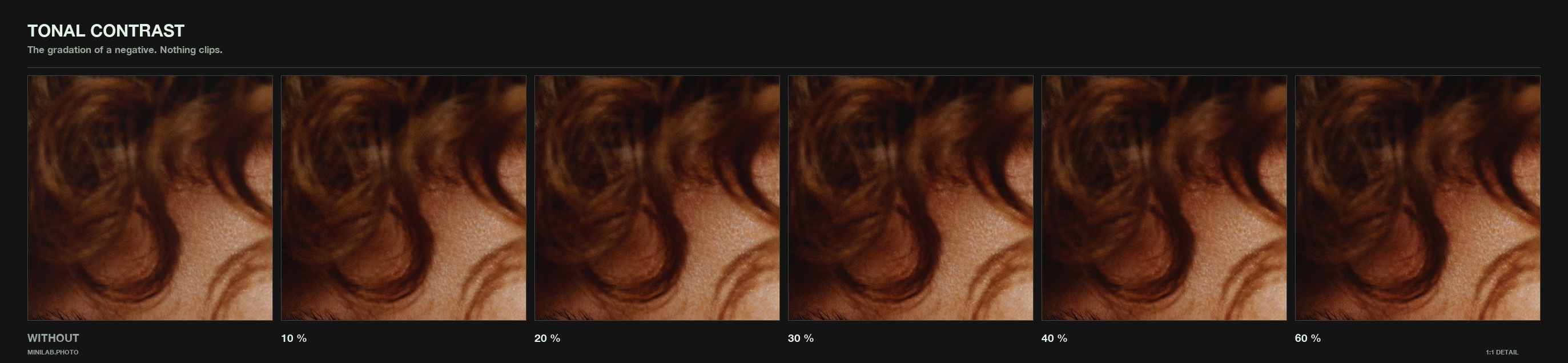
So everything in here comes from something that exists. The grain was taken from our own stock - shot, scanned, and worked out frame by frame. The film looks were baked from real profiles rather than guessed at. Halation, bloom and tonal contrast aren’t eyeballed – they’re tuned to fixed numeric targets, matched to 0.60 of 255. The contact sheet is our own roll.
They model what film does. We scanned what film left behind.
The first version will be missing something you want. That is not a defect, it is the starting point - this isn't finished and it isn't meant to be. Stocks, papers and scanner looks keep getting added, and most of what goes on the list comes from someone writing in. If a film you shoot isn't in there, or a step behaves differently from the lab you use - say so.
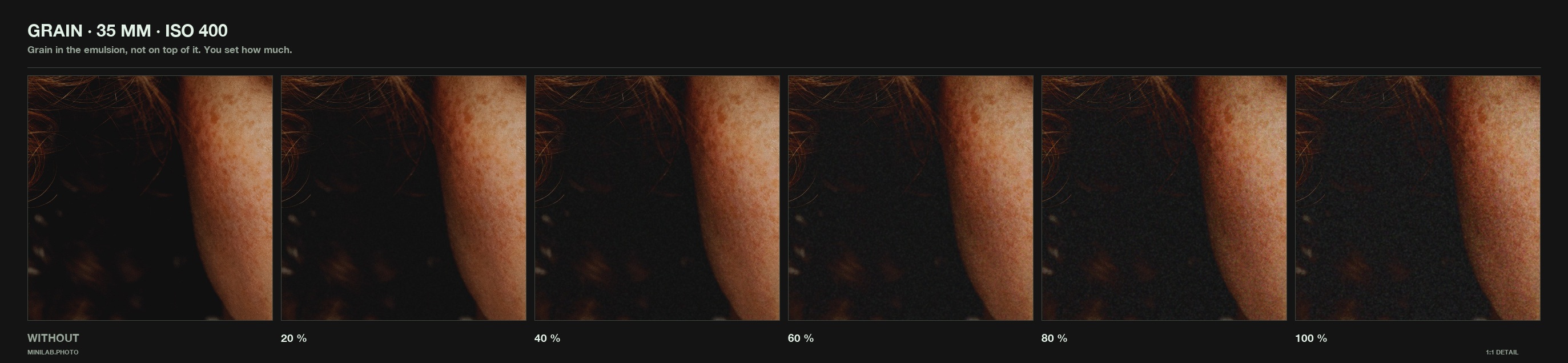
The format you shot on changes everything - the same emulsion looks coarse on 35 mm and almost smooth on 4×5, because the negative is bigger and the enlargement is smaller. Every other tool skips this and gives you one grain for all of it.
Emulsion has no idea what you set in the export dialogue. It sits in the negative at one fixed size, and a bigger scan simply shows you more of it. Ours behaves the same: pick the format you shot, the speed you'd have loaded, the size of the file you're feeding it. Shot on our own stock, scanned, measured, rebuilt - not one tile, repeated and blurred.
Capture format - the first thing a lab would ask
Film speed
Input size
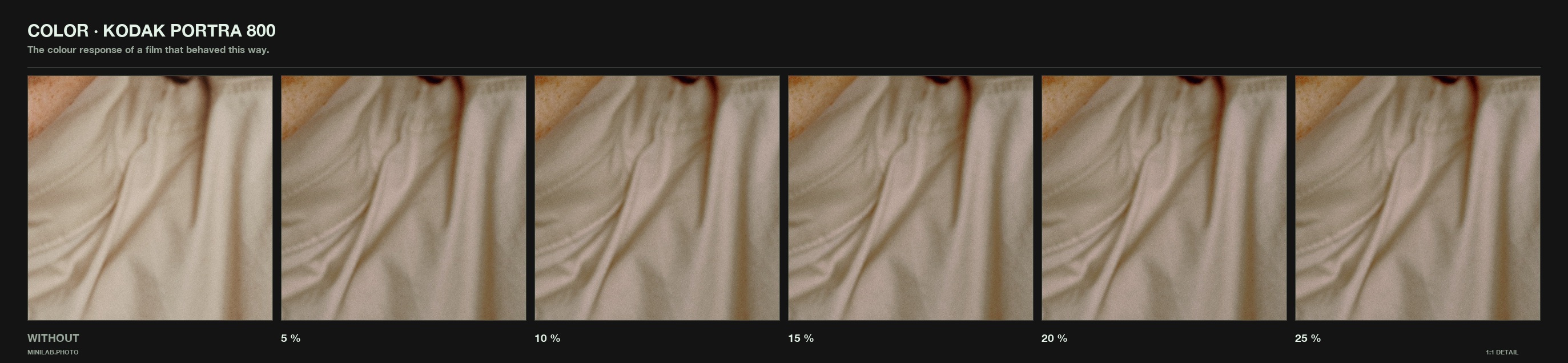
Each one comes out of a real profile and gets cooked down into a 3D lookup table - the whole colour response of the stock, not a curve someone eyeballed. Push it past where the film would go, or pull it back until it barely registers. Click a can.
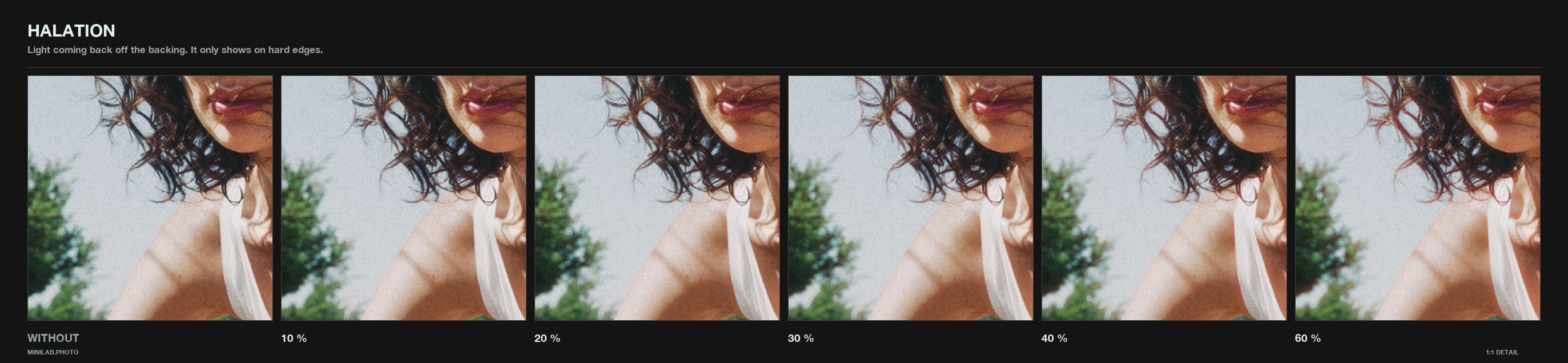
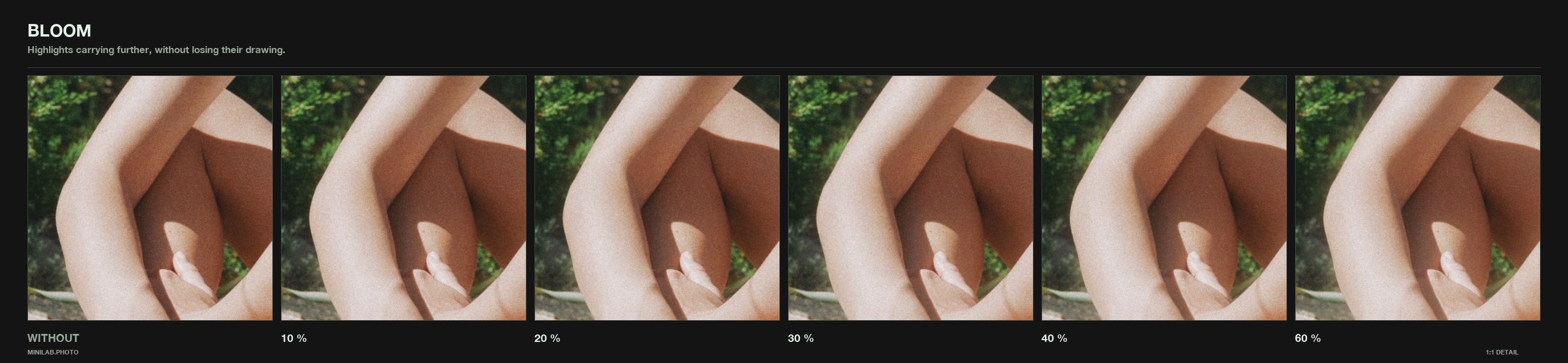
A bright source on film doesn't stop at its edge. It scatters through the emulsion and comes back around the highlight in warm red. Halation, bloom and tonal contrast aren’t eyeballed — they’re tuned to fixed numeric targets, matched to 0.60 of 255 - not dialled in until they looked about right.
Seven of them, each switchable on its own. Tap or hover a card for what it does — and why film does it in the first place.
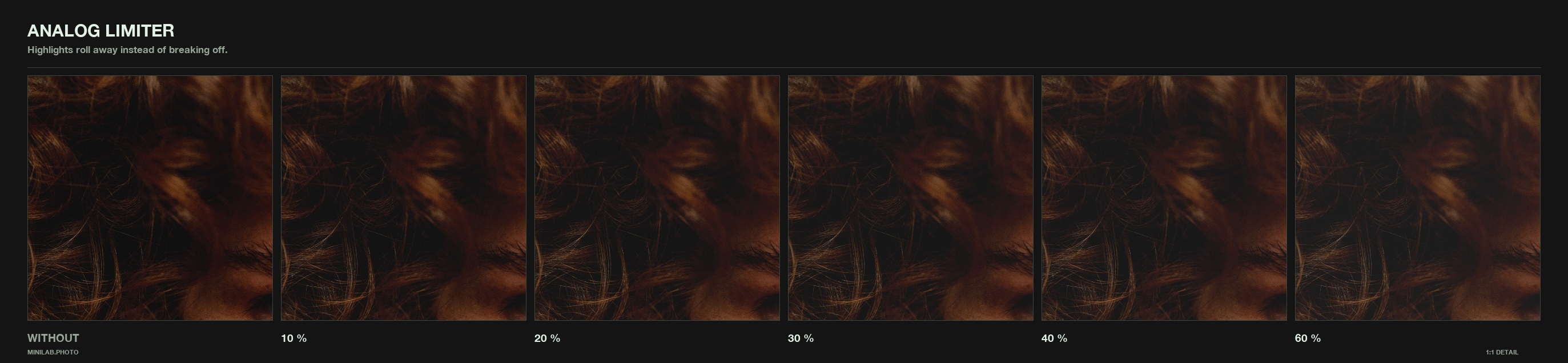
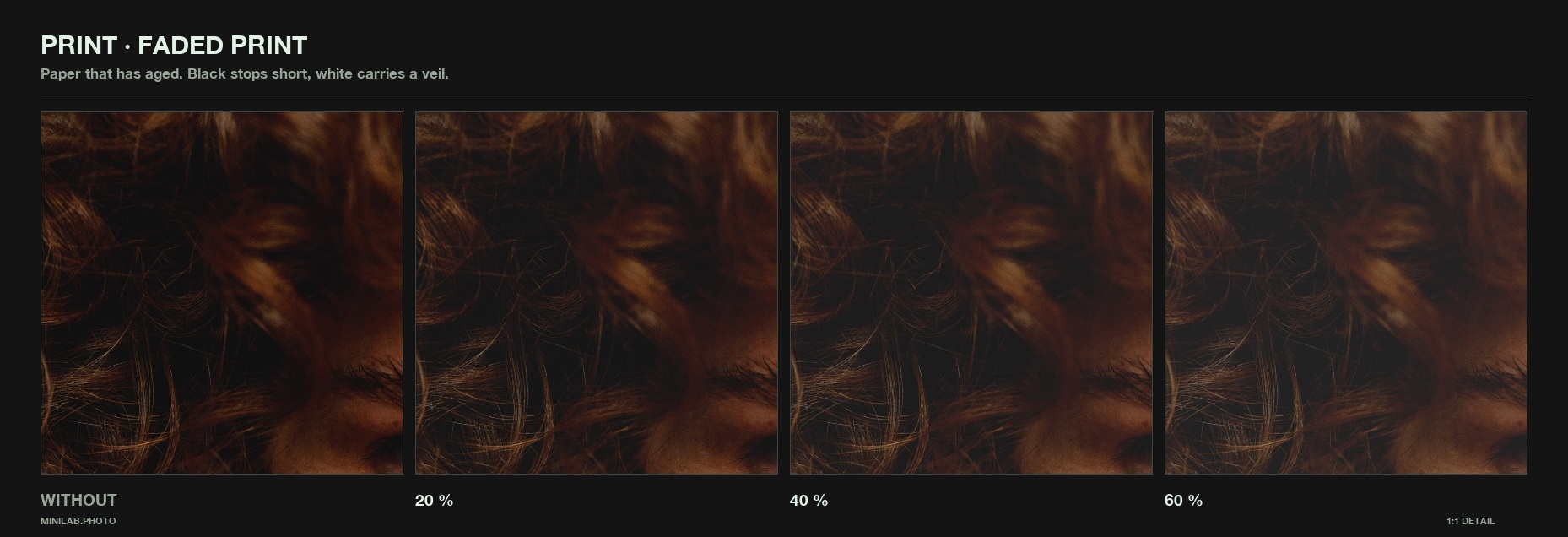
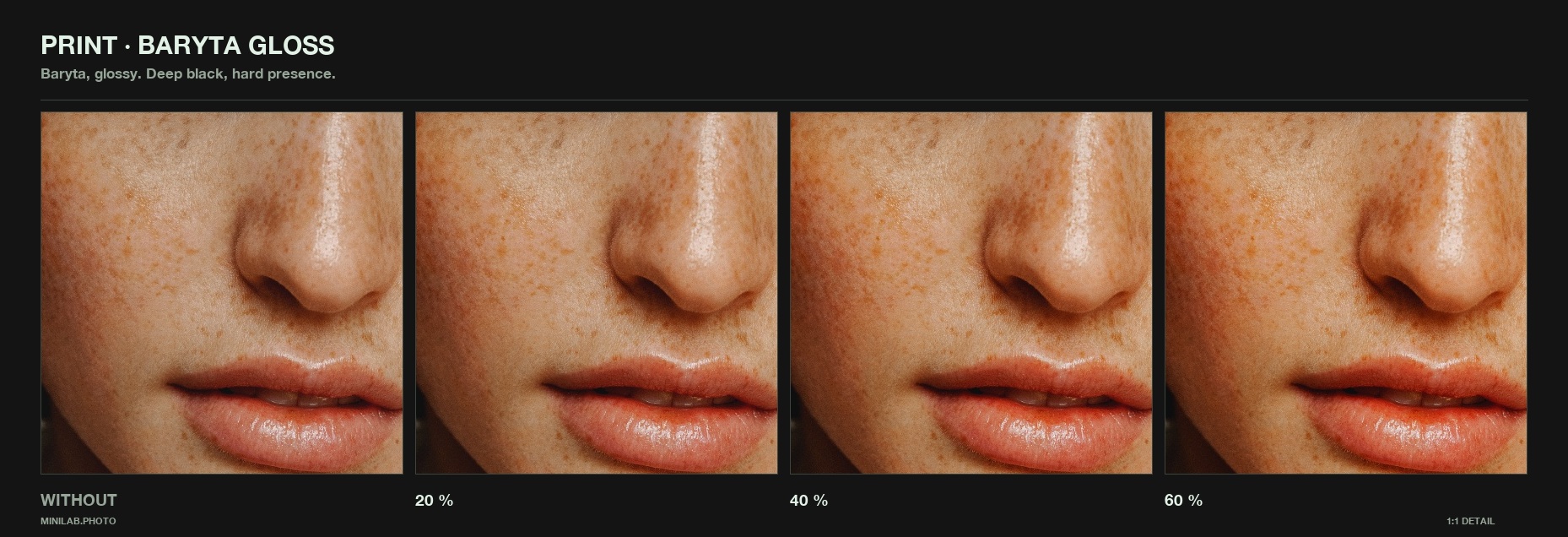
In the lab that order is not a detail - the scanner reads the negative and makes the first interpretation, and only then does paper decide where your blacks sit and how the highlights let go. Baryta holds a deep black and a hard shoulder; fibre matt lifts the shadows and rolls off early. Both stages are here, in the order they actually happen.
1 · Scanner
2 · Paper
3 · Texture
Colour is the easy part
Every preset shifts colour. None of them has paper. Or fibres. Or an emulsion that was never coated evenly. Or the shoulder that keeps a highlight from becoming a hole. Or the scratch the scanner left in 1997. That is what makes a picture look analog - and that is what this is.
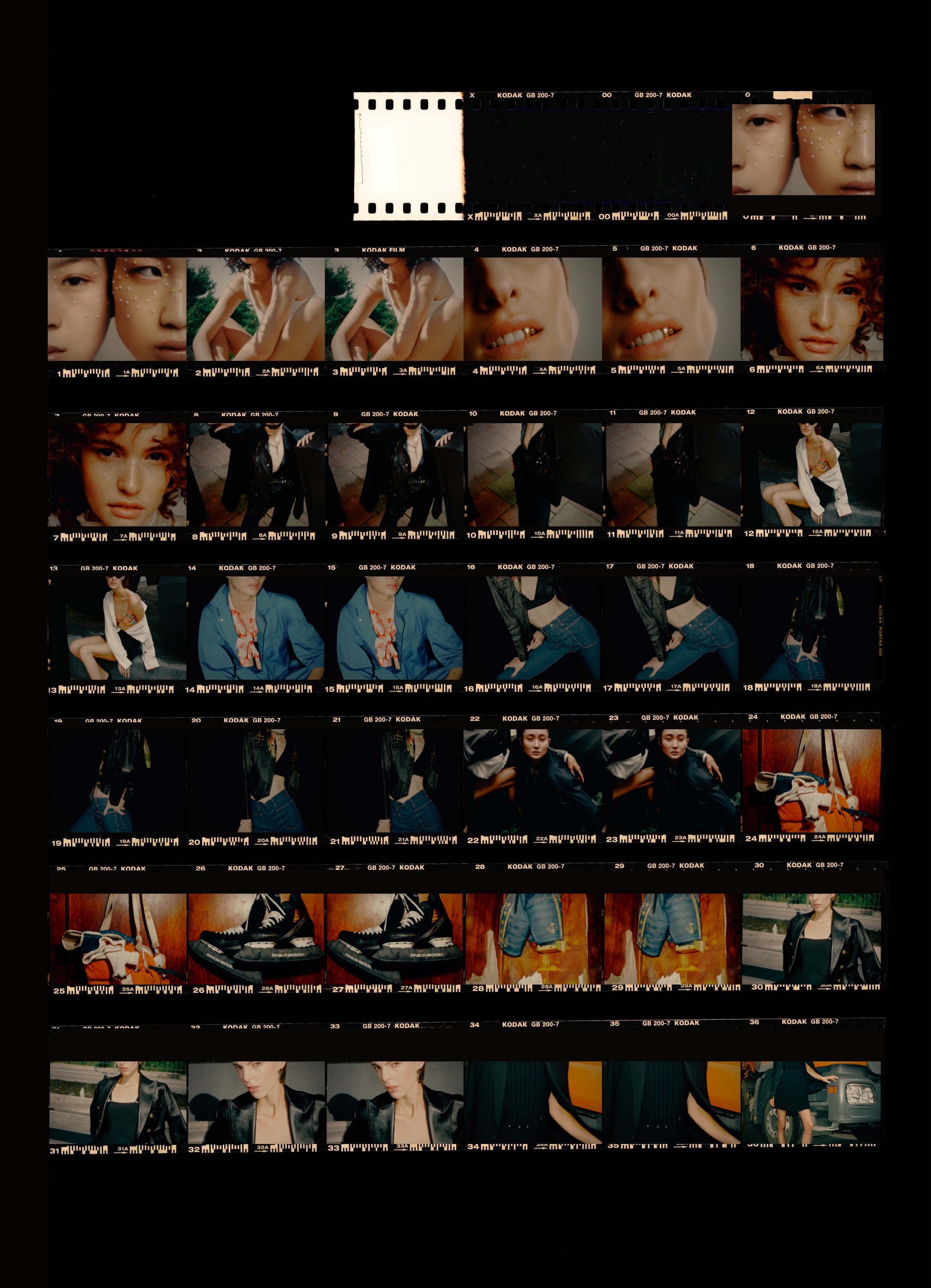
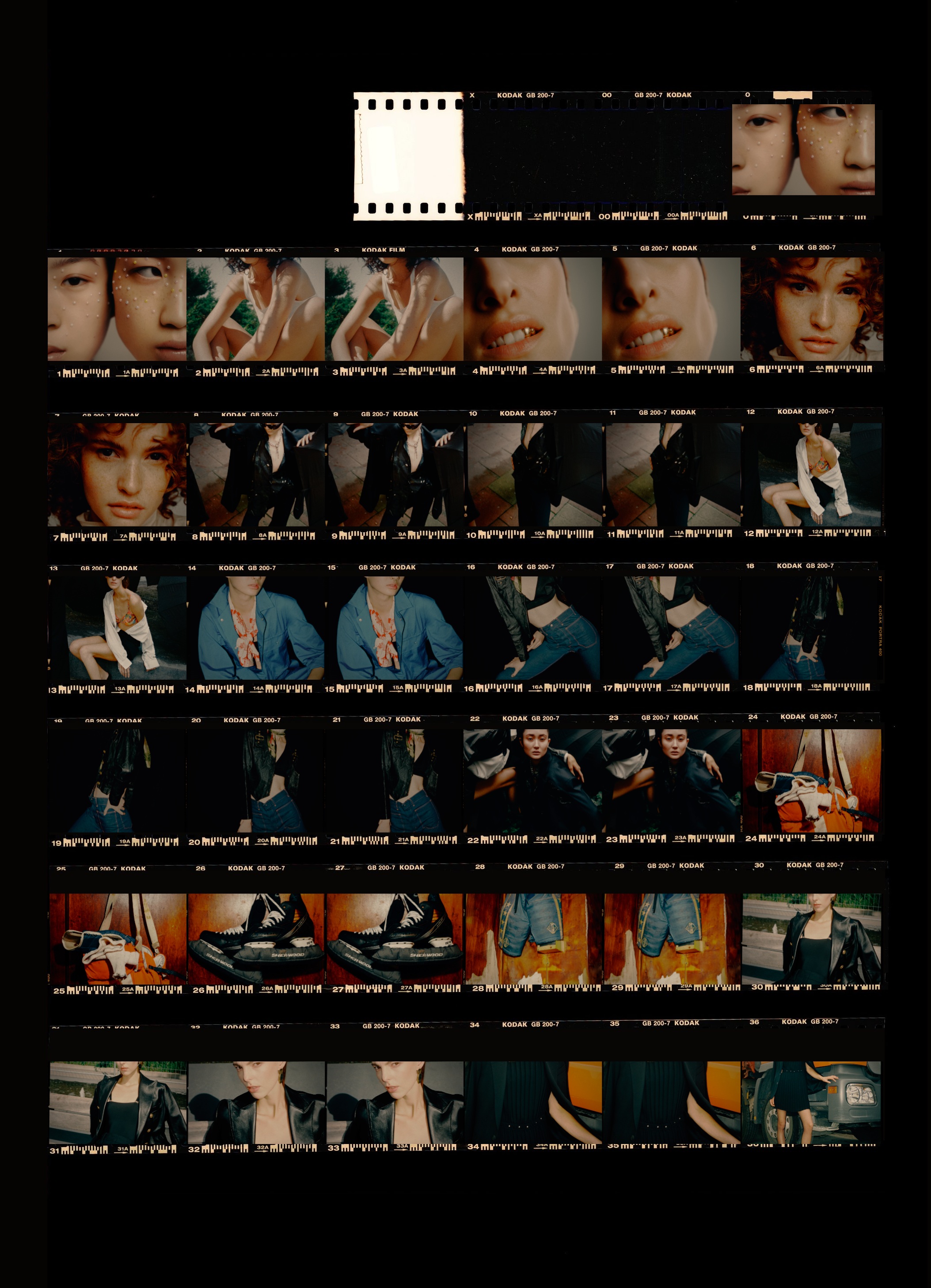
A real lab scan of one of our own rolls - the paper, the sprockets, the edge print, the frame numbers running 1 to 36. Your selects go in, you circle the keepers and cross out the rest, and the whole sheet comes back out as an image. Not a mock-up of a contact sheet - the sheet our own roll came back on.
Not quotes about how good it is - the actual work. If you made something with it, send it over and it goes up here with your name on it.
Runs as a real app
Your browser can turn Minilab into a proper application - own icon in the dock, own window, no address bar. Nothing is downloaded, so there is no security warning to click away: the app is built on your machine, from the page you are already on. It works offline afterwards.
Add it to your dock
In this browser
In this browser
On this device
No upload, no account, no cloud. The browser does the work on your own machine, and nothing is sent anywhere - not to us, not to anyone's training set. Buy a licence and it activates once per machine, then runs offline for good - the licence check is the only thing that ever talks to a server, and it never sees a picture. For work under NDA that isn't a feature, it's the condition.
Pricing
No watermarks. No trial clock. No feature maze. The free version is the whole lab at preview resolution - the licence adds full-size export. No monthly allowance ticking down while you decide, and no account needed to start.
In every plan below. The plans differ in how you pay, not in what you get.
Monthly
plus VAT · cancel any time
Yearly
plus VAT · works out at €7.42 a month
Save €29.80Perpetual licence
plus VAT · buy once, yours to keep, 12 months of new features included
Save €30 now - and €118.80 every year afterSecure checkout by Stripe · prices and terms as shown
* Preview and export. The free editor renders a working preview of up to 1600 px on the long edge - enough to judge grain at 1:1, and fast enough that every slider answers instantly, because grain, halation and paper are computed on the whole frame in real time. Nothing is switched off: every effect, the full 1:1 detail view and the complete look library are active. A licence unlocks saving - previews up to 2560 px, exports up to 6000 px, with your EXIF data intact.
Trying it out happens here, in the browser. A licence unlocks saving and exporting - activate once per machine, up to three, then it works offline for good. Your pictures never go anywhere either way. MINILAB is for professional work - photographers, studios, freelancers. Part-time professional use counts. All prices are net, plus VAT where applicable.
A film emulation tool that runs in your browser. It rebuilds the whole analog chain - capture format, film stock, speed, grain, halation, paper, scanner - and finishes on a contact sheet you can mark up and export.
Those give you one link of the chain. A grain overlay is a texture laid on top, the same pattern regardless of what the picture is. A colour preset is a curve. Minilab computes each stage: the grain scales with the capture format and the file size the way emulsion scales with the negative, the film looks are 3D lookup tables baked from real profiles, and halation, bloom and tonal contrast are tuned to fixed numeric targets rather than eyeballed.
Because a monthly export allowance just teaches people to open a second account. You get the whole tool at full resolution, no watermark, no locked panels, for as long as you like. Saving and exporting is the one thing a licence unlocks.
Open it here in the browser, enter your licence key, then install it: in Chrome or Edge click the install icon in the address bar, in Safari choose Share, then “Add to Dock”. You get Minilab with its own icon, its own window without an address bar, and it keeps working offline. Nothing is downloaded, so there is no security warning to click away - the app is built on your machine.
Three. Minilab activates once per machine - a quick check the first time you open it, then it works offline for good. You can sign a machine out yourself when you switch hardware - from inside the app, no support ticket and no account to log into. We never read anything about your computer to do this; the machine gets an ID we hand out, nothing more.
It keeps working until the end of the period you already paid for - not from the moment you click cancel. After that, saving and exporting stop; the editor itself stays usable, as it is for everyone.
Nothing dramatic. Cards expire, banks decline - you get a week's grace while the payment is retried, and nothing is cut off in the meantime.
It is a different build, not a locked one. Every effect, the whole look library and the full 1:1 detail view are there and do exactly what they do in the paid version. What the free build does not contain is the export code - it is not switched off, it simply is not in the file. That is also why saving and exporting is for licence holders only.
Your pictures never do. There is no upload, no cloud step, and nothing is collected or used to train anything. The one thing that talks to a server is the licence check - once per machine when you activate, and never again. It sees a licence number, not a photograph.
JPEG, PNG, TIFF and WebP - in any browser. TIFF works everywhere because we ship our own decoder; 16-bit and ZIP-compressed files included, and big scans of 50-100 MB are fine. Input sizes go up to 7200 px on the long edge, and the grain is calibrated per input size, so a big file gets grain that behaves like a big scan rather than an enlarged pattern.
After them. Do your raw development and retouching where you always do it, then hand the finished file to Minilab for the analog chain - grain, stock, halation, paper, scanner, sheet. It replaces the preset-and-overlay step at the end of your workflow, not your converter.
No - there is no RAW decoder, and we would rather say so than pretend. Develop the file in the converter that knows your camera, hand Minilab a JPEG, TIFF, PNG or WebP, and it takes the chain from there. That is where a lab would enter the process anyway: after the negative exists.
Your whole setup - format, stock, effects, paper, scanner - saved as a small .minilab file. Save a look, load it next job, or send it to a colleague as a file or a line of text. Building looks is free like everything else; saving and loading recipes comes with the licence.
Yes. It runs in any current browser on Mac, Windows and Linux, and installs the same way on all three. No admin rights needed. Minilab needs a big screen - it is a tool for the desk, not for a phone. On a phone, use Send the minilab to your desk above: we email you the link, and you pick it up at your computer.
Yes - 12 months of new features from the day you buy: every new film stock, every new feature we ship in that year. After that the app keeps working exactly as it is, for as long as you like - it is yours. Security updates we ship beyond that, regardless.
Yes. All prices are net; VAT is added at checkout according to your country, and the invoice arrives by email.
Contact & legal
Questions, bug reports, feedback, anything you want to see next - send us a DM on Instagram. We read all of it.
Or by email: studio@thisisvermilion.de
MINILAB.PHOTO - an AiLaik™ product · Einzelunternehmen · Inhaber: Christoph Klutsch
Bernardstraße 14 · 63067 Offenbach am Main · Germany
VAT ID (§ 27a UStG): DE305710982
Email as required by § 5 DDG: studio@thisisvermilion.de
Editorial responsibility (§ 18 (2) MStV): Christoph Klutsch, address as above.
This statement explains how artificial intelligence is used in the content published on this website. It fulfils the transparency obligations for deployers under Article 50 of Regulation (EU) 2024/1689 (AI Act).
1. Scope. These statements apply to all image, moving-image and text content published on minilab.photo.
2. Image and moving-image content. Part of the published imagery and moving-image content was generated or altered, in whole or in part, using generative artificial intelligence - in particular atmospheric and set imagery. Because this applies to individual items across the site, the notice above is given for the site as a whole, at first perception. Material that documents what the application does is not AI-generated: the stage clips are unaltered output of the application, and the contact sheet is a scan of a real laboratory print.
3. Material submitted by others. Photographs sent to us and shown as examples of work made with Minilab remain the work of the person who made them. We do not know, and do not assert, whether artificial intelligence was involved in their creation.
4. Persons depicted. Where photorealistic people appear in generated material, they are fictional; they do not depict real, identifiable persons. No real person's identity is reproduced, recreated or altered. Such material is covered by the site-wide notice above, which is shown at first perception.
5. Text and editorial responsibility. The editorial texts on this website are reviewed and answered for by a human. Responsible within the meaning of Article 50 (4) AI Act: Christoph Klutsch.
6. Systems used. Generative image and video systems and AI-assisted image editing are used. Creative direction, selection and release of all published results remain human decisions.
7. Legal basis and supervision. Article 50 of Regulation (EU) 2024/1689 (AI Act), applicable since 2 August 2026. The competent market surveillance authority in Germany is the Bundesnetzagentur.
Status: 24 August 2026. This statement is updated whenever the use of artificial intelligence or the legal framework changes.
Site notice · Impressum · Privacy · Datenschutz · Terms · AGB · Right of withdrawal · Widerruf · Withdrawal form
Each document in German and English, on its own printable page.
Withdraw from contract · Vertrag widerrufen
Undo a purchase within the withdrawal period - money back.
Cancel contracts here · Verträge hier kündigen
End a running subscription - access stays until the period ends.
No sign-in needed - your order number and email are enough. You get a confirmation with date and time.
The site works without cookies. Nothing is stored on your device and nothing is measured unless you actively allow it (§ 25 TDDDG).
If you allow it: we load the Meta pixel. It sets the cookies
_fbp and, if you arrive from an ad, _fbc, and it
transmits your IP address, your browser and the pages you open to Meta
Platforms Ireland Ltd. Meta also processes this in the USA. We use it to see
which posts bring photographers here and to reach similar people with ads.
On purchase: if you allowed measurement, our server also reports the completed order to Meta’s Conversions API - order value, currency, plan, and your email address as an irreversible hash. Without your permission this does not happen either.
Legal basis: your consent, Art. 6 (1) (a) GDPR. You can withdraw it at any time with effect for the future - change your choice. Withdrawal does not affect what was lawful before.
Meta privacy policy: facebook.com/privacy/policy
We are neither willing nor obliged to take part in dispute resolution proceedings before a consumer arbitration board.